5 Tips to Use Google Workspace and Gmail for Effective Collaboration
5 Tips to Use Google Workspace and Gmail for Effective Collaboration
In the new normal, business success relies heavily on effective and efficient collaboration and communication within remote teams. After all, the COVID-19 pandemic has made remote work a part of the norm, and even though companies are able to bring their employees back into the office, many are choosing to stick with decentralized teams. Why? There are many business-boosting reasons behind it, but for the most part, it’s all about the work-life balance, lower financial waste, and higher productivity and output.To achieve any of this, though, you need to set the right pillars for effective remote work, and that means utilizing your Google Workspace to its full potential. By using the tools within properly, you can grow and outgrow your business quickly and create a thriving workforce that will take you to new heights of success. With all of that in mind, here are the five tips you can use right now to turn Google Workspace into the most valuable asset for your employees.Sharing, storing, and editing files in Google DriveFor personal use, Google Drive is a functional tool mostly used for freeing up space on your PC and external drives. In business, though, Google Drive is a far more powerful, multifunctional collaboration tool that not many companies use to its full extent. When you’re managing remote teams, Google Drive is the central hub for your employee collective, offering numerous programs and functionalities that allow decentralized teams to work together seamlessly in the cloud.Yes, you can use it to store files of various types, but you can also use the platform for effective real-time or asynchronous collaboration. Your team members can work together on documents, slides, and spreadsheets, leave comments and action items, assign team members, chat within the document, and manage important business documents with ease.To do any of this effectively, though, your team members need to know how to use Google Drive and you should help them familiarize themselves with all of its features.Communicate effectively with Google Chat and MeetGoogle Chat and Google Meet have been around for a long time, and they are the main communication tools within the Google Workspace platform. Google Chat allows your teams to communicate via direct messaging, group messaging, team chat rooms, and more. But beyond that, Google Chat is synced with your Google Workspace, and so it allows everyone to quickly share Google Drive content within the app.On the other hand, you have Google Meet, which your teams can use to conduct high-quality video conferencing in the new workplace. The app allows you and your team members to communicate effectively via video calls, share your screens and enter presentation mode, chat with team members within the app, and more. Together, these two apps offer all the communication features a decentralized workforce needs to eliminate communication bottlenecks and stay on top of work.Share your Google Contacts seamlesslyGmail is essential for all companies, and is effectively the main email platform across the business sector. Everyone uses Gmail nowadays, and for a good reason. The platform is reliable, secure, full of great features, and it integrates perfectly into the Google Workspace system to facilitate seamless communication and collaboration. Gmail syncs your contacts from your Google Contacts manager and hence both work hand in hand to provide you a seamless experience. But there’s one thing you can’t do within Google Contacts or in Gmail – share your contacts with other team members, which is essential for collaboration between teams.This is where the leading tools like Shared Contacts for Gmail® come in, as you can use it to share Google Contacts quickly with all your colleagues, employees and other stakeholders using Google Workspace or Gmail, so that every team and individual can have access to the same information and it is synced and updated for all of them. This allows different teams to work off of the latest contact data to generate qualified leads, or continue leading the customer towards a sale. Sharing Gmail contacts is also crucial for all your follow-up campaigns, and for maximizing the value that each customer brings to your company. Once a customer has bought something from you, you have to make sure to stay in touch with them and nurture your relationship in order to inspire repeat purchases.Use Google Calendar for more effective scheduling
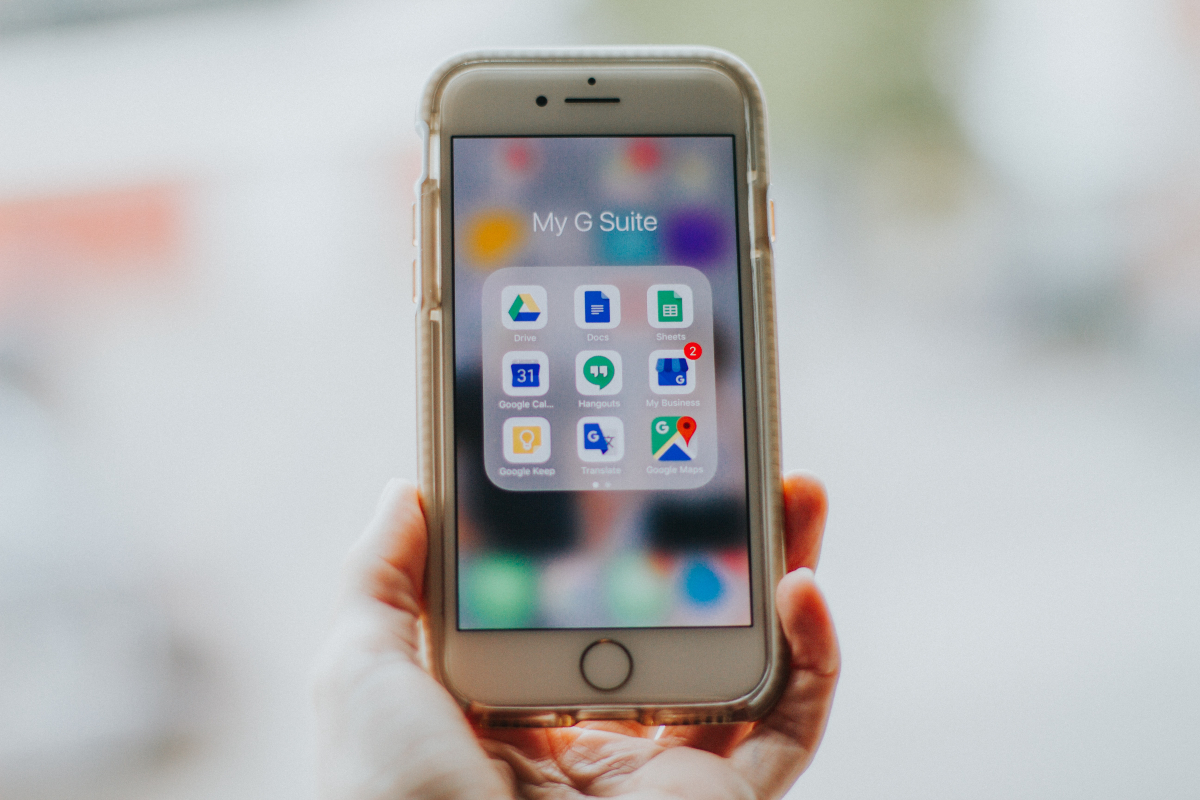 Image by Elle Cartier, via Unsplash.com.

About Sophia Smith
Sophia Smith is beauty and style blogger, an eco-lifestyle lover, graphic designer and a content creator. Design plays a huge role in her personal expression. Sophia writes mostly about lifestyle-related topics in her blogs and articles. She has contributed to a number of publications including: Cause Artist, Optimistic Millennial, Soar Collective, How to Simplify, and Carousel. You can find out more about her writing by following her on: Facebook, Twitter, and Google +.